

Export LinkedIn to Google Sheets Automatically
Export LinkedIn profiles and company data to Google Sheets with one-click sync. Automate lead collection without manual data entry.
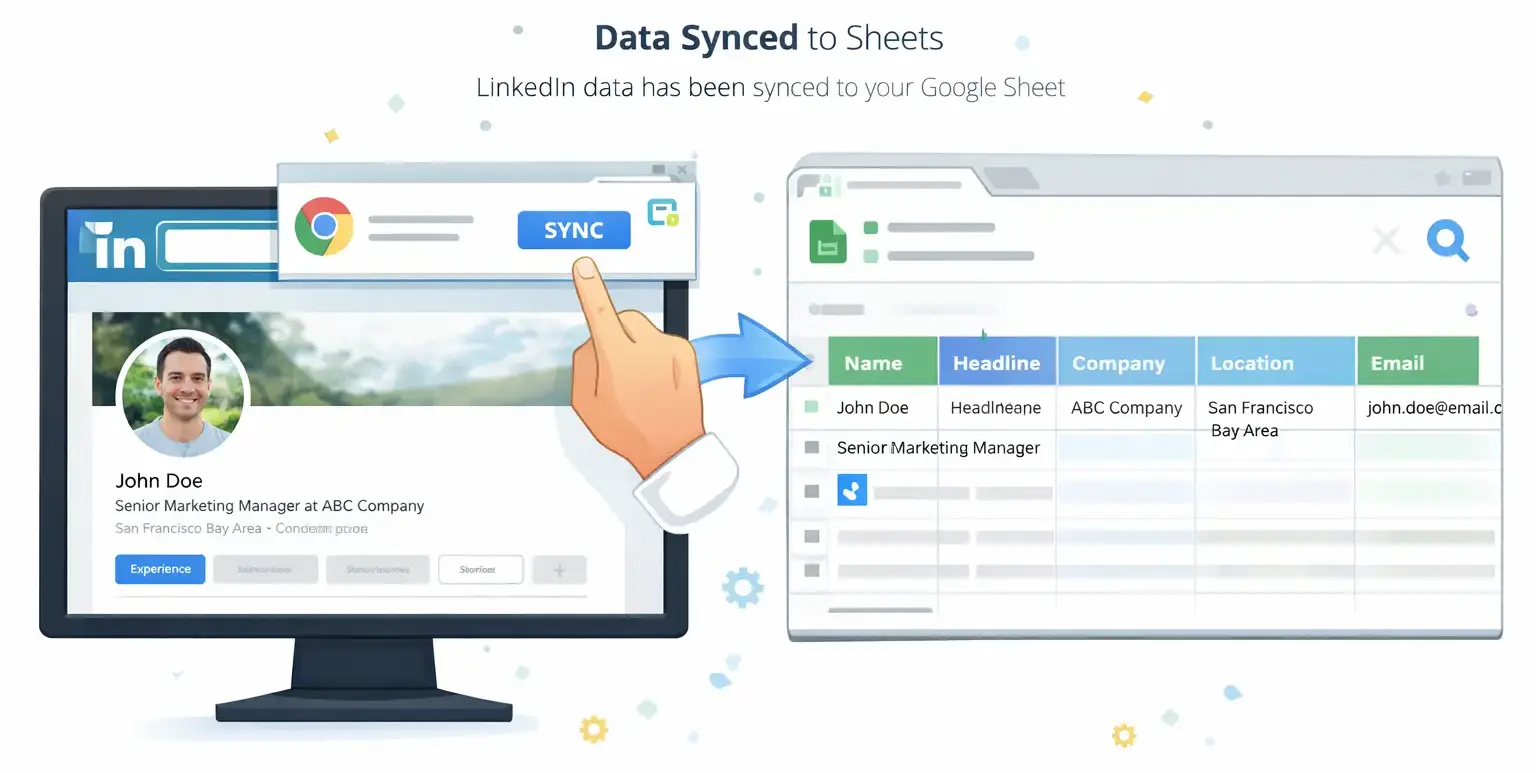
Chrome extension + Google Sheets. No code required.



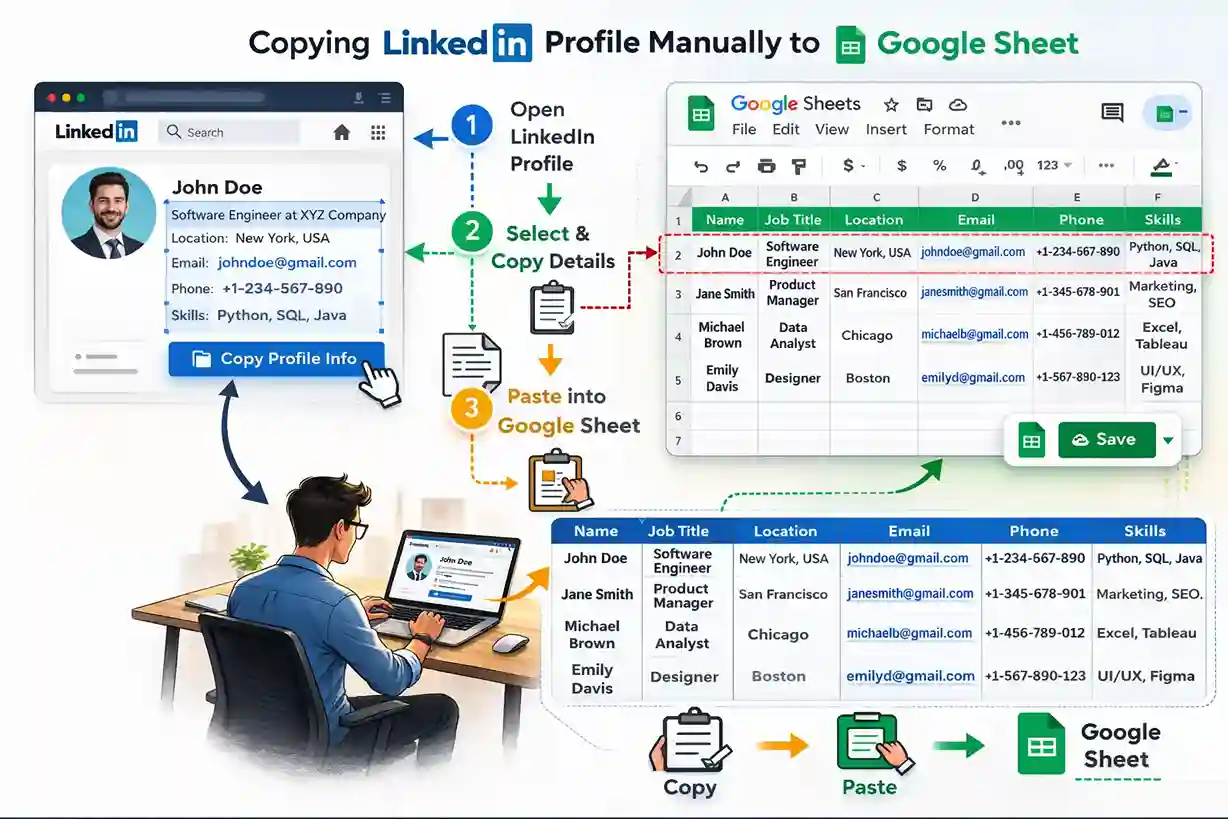
Why manually copying LinkedIn data is slow?
Copy-pasting profiles one by one wastes hours. Exporting lists, switching tabs, and keeping columns in sync is error-prone.
With SyncToSheet, one click on any LinkedIn profile or company page sends the data straight into your Google Sheet, so you can focus on recruiting, sales, or research instead of data entry.
How it works
Four steps from zero to syncing LinkedIn data into Google Sheets. No code required—just connect, configure, and click.

Step 1: Connect Google
Sign in with Google and pick the sheet (and tab) where you want data to go.

Step 2: Create an automation
Choose which fields to sync, name, headline, company, email, experience, education, and more.
Step 3: Open LinkedIn
Install the Chrome extension, then open any LinkedIn profile or company page.
Step 4: One-click sync
Click “Save profile” or “Sync” and the row is appended to your sheet instantly.
What you can sync?
Export LinkedIn profiles and company pages into your sheet. Map the fields you need, name, headline, company, email, experience, and more, to your columns. One automation for profile sync, another for company sync.
Profile & company data
Export LinkedIn company data to Google Sheets. Sync full name, headline, location, company, about, email, phone, profile URL, photo, experience, education, and skills.
Your sheet, your columns
Map each field to the column you want. One automation per sheet tab; profile sync and company sync supported.
Chrome extension
Install LinkedIn Chrome extension to export profiles. Works on linkedin.com. Open a profile or company page, click Sync or Save profile, and the row appears in your sheet.
No code
Connect Google, create automations in the dashboard, install the extension. No scripts or APIs to manage.
Why use the SyncToSheet extension?
Three reasons it makes exporting LinkedIn data to Google Sheets simple.
Stay on LinkedIn
Works right on linkedin.com. No switching tabs or opening other tools, export without leaving the page.
One-click sync
Click "Save profile" or "Sync" and the row appears in your chosen Google Sheet and tab. No copy-paste.
Your sheet, your way
Map each field to the column you want. Perfect for recruiters, sales pipelines, or CRM.
Use cases
Built for anyone who needs LinkedIn data in a spreadsheet, fast and without manual copy-paste.
Recruiters
Build candidate lists in Google Sheets. Sync profiles from search or InMail, keep columns consistent, and share sheets with your team.
Sales
Export leads and company data into Sheets for outreach lists, CRM updates, or pipeline tracking, no manual data entry.
Agencies
Centralize LinkedIn profiles and company data for clients. One automation per sheet tab, scalable for multiple projects.
Ready to export LinkedIn to Google Sheets?
Connect Google, set up your automation, and start syncing in minutes.